Coding Logic for Kids: How to Build Problem-Solving Skills Without Pressure (Ages 8-12)
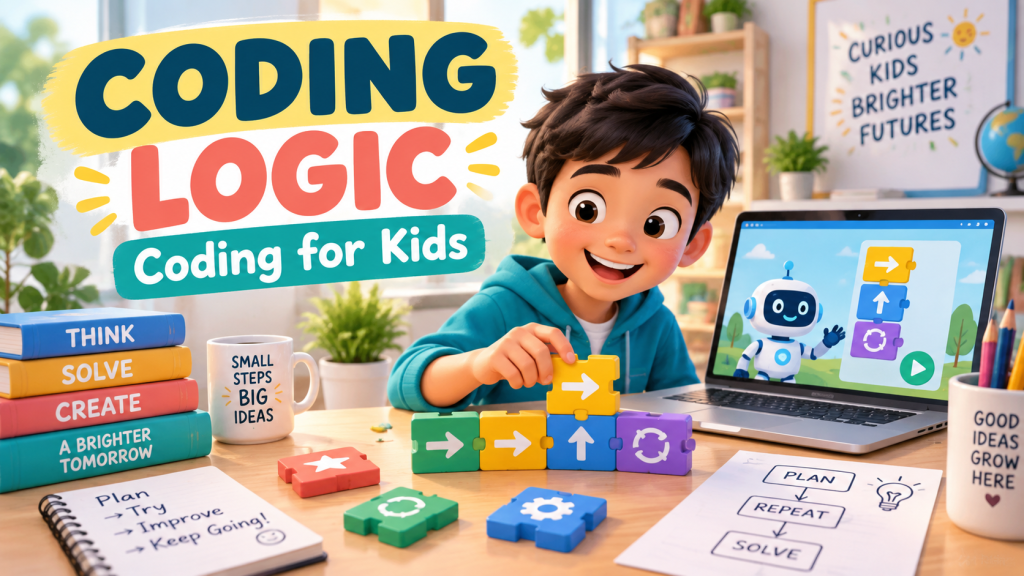
Many parents hear the word coding and imagine complicated screens full of symbols. But for kids, coding does not need to start with typing long lines of code. It can start with something much simpler: learning how to think in steps.
For Filipino kids ages 8 to 12, coding logic is less about becoming a programmer right away and more about building problem-solving confidence. It teaches children how to plan, test, fix mistakes, and keep going.
What is coding logic?
Coding logic is the thinking behind computer instructions. It is the ability to break a task into small steps, put those steps in the right order, and adjust when something does not work.
A child uses coding logic when they give directions, solve a maze, follow a recipe, organize a game strategy, or explain what should happen first, next, and last.
Why coding logic matters
Even if your child never becomes a software developer, coding logic is useful. It strengthens habits that help in school and everyday life:
- Step-by-step thinking. Kids learn that big problems become easier when broken into smaller parts.
- Pattern spotting. They notice what repeats, what changes, and what comes next.
- Debugging. They practice finding and fixing mistakes without giving up.
- Creativity. Coding logic helps kids build games, stories, pages, and ideas that respond to choices.
- Confidence. Children learn that mistakes are not failures. They are clues.
Start without pressure
Some kids love code right away. Others feel nervous when they see anything that looks technical. That is normal. The best way to start is through playful logic challenges, not pressure to memorize commands.
Try simple questions:
- What should happen first?
- What repeats?
- What happens if this step is missing?
- How can we make the solution simpler?
Teach debugging as a life skill
Debugging means finding and fixing what went wrong. In coding, a bug might be a missing step, wrong order, or command that does not do what the child expected.
Parents can make debugging feel positive by saying, “Great, we found a clue,” instead of “That is wrong.” This helps kids become calmer problem-solvers.
Practice coding logic through games
Kids can practice these ideas in free Digital Kids PH worlds:
- Code Castle – practice sequences, loops, commands, and debugging through coding challenges.
- Logic & Puzzles – build pattern-spotting and problem-solving skills through playful brain challenges.
- Game Maker – explore how rules, goals, and player choices come together to make a game work.
What parents can do at home
You do not need to know coding to support your child. Focus on the thinking:
- Ask your child to explain their steps out loud.
- Praise effort, testing, and improvement.
- Let them make mistakes and try again.
- Connect coding logic to real life, like recipes, chores, directions, and games.
The bottom line
Coding logic helps kids think clearly. They learn to plan, test, debug, and improve. Those skills matter far beyond the computer screen.
Start today, for free. Explore all 25 free learning worlds at Digital Kids PH – no login, no cost, ever.
A free service of MalachiSoft Inc – empowering the next generation of Filipino digital talent.
Ready to play and learn?
40+ free games that teach kids real digital skills – no login needed.
🏷️ coding for kids, coding logic, digital skills, Filipino parents, problem solving
Ready to play and learn?
40+ free games that teach kids real digital skills — no login needed.
Explore the Worlds 🎮