File Organization for Kids: Simple Digital Habits That Make Schoolwork Easier (Ages 8-12)
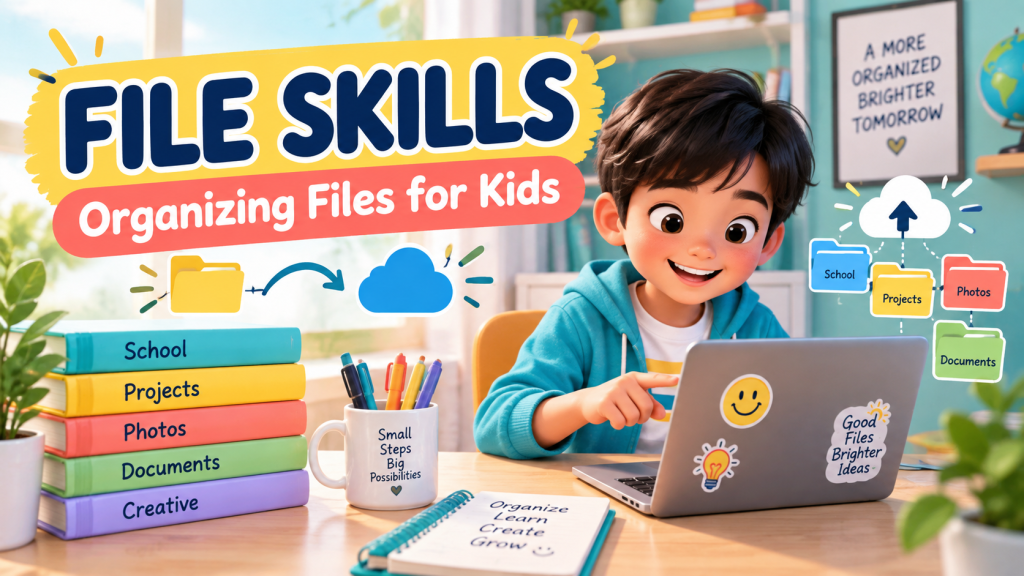
Every parent has seen it: a child finishes a school project, saves it somewhere, and then cannot find it the next day. The file is on the laptop, tablet, cloud drive, or maybe inside a folder called “New Folder 7.”
For Filipino kids ages 8 to 12, file organization is one of those quiet digital skills that makes everything easier. It helps children manage schoolwork, protect important projects, and feel more confident using devices for learning.
Why file organization matters
Organizing files is not just about keeping a computer neat. It teaches children how to think in categories, remember where things belong, and take responsibility for their own work.
When kids know how to save and find their files, they waste less time searching and feel less panic before deadlines. That small habit can make schoolwork feel calmer.
The basic idea: folders are homes
A simple way to explain folders is this: every file needs a home. A photo, document, slide deck, or worksheet should live in a folder where it makes sense.
Kids can start with easy folder names like:
- School
- Photos
- Projects
- Downloads
- Creative Work
Inside the School folder, they can make smaller folders for subjects such as Math, English, Filipino, Science, and Araling Panlipunan.
Teach clear filenames
A file named “final.docx” might make sense today, but next week it can be confusing. Teach kids to use filenames that answer three questions: what is it, who made it, and when was it made?
For example:
- Science-Plant-Report-Mia-Sept2026
- English-Book-Review-Joshua-Draft1
- Math-Fractions-Worksheet-Ana
Clear filenames help children become more independent. They can search, sort, and understand their own work without asking an adult every time.
What to do with downloads
The Downloads folder can become messy very quickly. It often collects worksheets, images, screenshots, PDFs, and random files from the internet.
Make a simple family rule: once a week, check Downloads together. Keep what matters, move school files to the right folder, and delete duplicates or files that are no longer needed.
Backup habits kids can understand
Children do not need a complicated backup system. They just need to understand that important work should not live in only one place.
Parents can teach a simple rule:
- One copy on the device.
- One copy in the cloud or shared family drive.
- Ask an adult before deleting important work.
This teaches responsibility without making children afraid of technology.
A simple weekly digital cleanup
Set aside 10 minutes each week for a quick digital cleanup. Keep it short and calm:
- Move school files into subject folders.
- Rename files with clearer names.
- Delete duplicate screenshots or accidental downloads.
- Check that important work has a backup.
- Celebrate one thing your child organized well.
The bottom line
File organization helps kids build independence. They learn to save carefully, name things clearly, protect important work, and take pride in their digital space.
Start today, for free. Explore all 25 free learning worlds at Digital Kids PH – no login, no cost, ever.
A free service of MalachiSoft Inc – empowering the next generation of Filipino digital talent.
Ready to play and learn?
40+ free games that teach kids real digital skills – no login needed.
🏷️ digital skills, file organization, Filipino parents, online learning, schoolwork
Ready to play and learn?
40+ free games that teach kids real digital skills — no login needed.
Explore the Worlds 🎮