Safe Downloads for Kids: Teaching App Safety Before They Click (Ages 8-12)
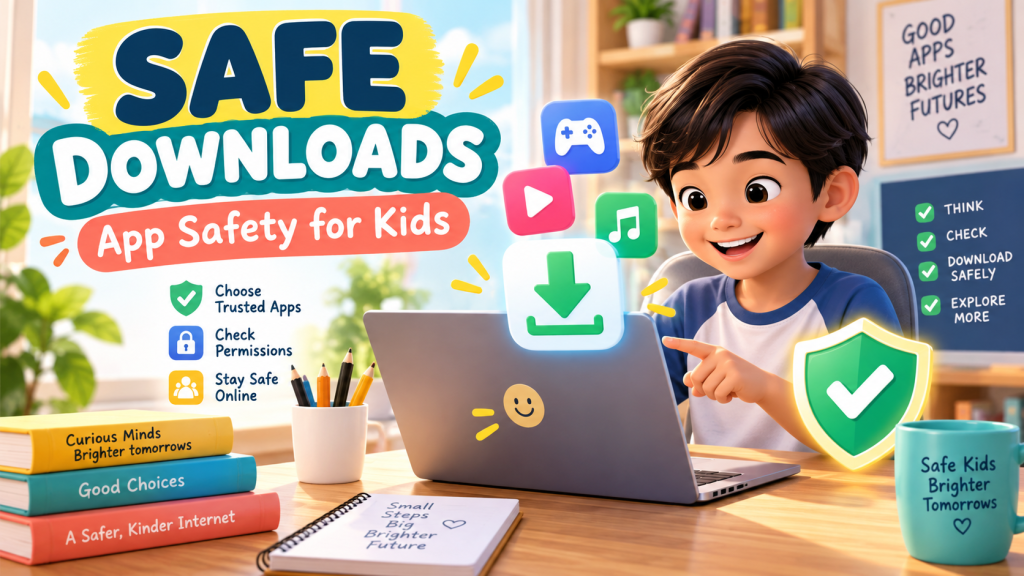
Kids love discovering new games, apps, wallpapers, and tools. One click can open a world of creativity and learning. But one careless download can also bring confusing pop-ups, unsafe links, hidden costs, or files that should never be installed.
For Filipino kids ages 8 to 12, safe download habits are an important part of digital independence. The goal is not to scare children away from technology. The goal is to teach them how to pause, check, and ask before they click.
Why download safety matters
Downloads can look harmless. A game icon, a free template, or a “click here” button may feel exciting to a child. But not every download is safe, and not every app is made for kids.
Teaching download safety helps kids understand that the internet is full of choices. Some are helpful, some are distracting, and some can put privacy, devices, or money at risk.
The simple rule: stop, check, ask
A child-friendly rule is easy to remember:
- Stop before downloading anything new.
- Check where it comes from and what it wants to access.
- Ask a trusted adult before installing or signing up.
This small pause can prevent many problems. It also teaches kids that asking is not a weakness. It is a smart safety habit.
Teach kids to choose trusted sources
Children should learn that apps and files are safer when they come from trusted places. For younger kids, that usually means official app stores, school platforms, or links provided by parents and teachers.
Explain that random “download now” buttons on websites can be misleading. Some buttons are ads. Some lead to files that are not what they seem. Kids do not need to recognize every danger right away; they just need the habit of checking first.
Permissions are clues
When an app asks for permission to use the camera, microphone, location, contacts, or photos, kids should know that these are important choices.
Try asking simple questions:
- Does this app really need my location?
- Why would this game need my contacts?
- Is it okay for this app to use the microphone?
- Should I ask an adult before allowing this?
This teaches children to think about privacy in a practical way.
Watch out for “free” traps
Many apps are free to download but still include ads, in-app purchases, subscriptions, or prompts to buy extra items. Kids may not always understand that a small button can lead to real costs.
Parents can explain that “free” does not always mean “no rules.” Before downloading, check if the app has ads, purchases, chat features, or account requirements.
A family download checklist
Before installing something new, use this quick checklist together:
- Do we know where this app or file came from?
- Is it age-appropriate?
- Does it ask for unnecessary permissions?
- Are there ads, chat features, or in-app purchases?
- Do we still want it after reading the details?
Practice these safety skills through games
Kids can practice the same careful thinking in these free Digital Kids PH worlds:
- Safety Squad – practice spotting scams, protecting information, and making safer choices online.
- App Designers – learn how apps are planned, designed, and checked before people use them.
- Research Rangers – build the habit of checking facts and questioning suspicious online content.
The bottom line
Safe download habits help kids become careful digital decision-makers. They learn to slow down, notice warning signs, protect privacy, and ask for help before a small click becomes a big problem.
Start today, for free. Explore all 25 free learning worlds at Digital Kids PH – no login, no cost, ever.
A free service of MalachiSoft Inc – empowering the next generation of Filipino digital talent.
Ready to play and learn?
40+ free games that teach kids real digital skills – no login needed.
🏷️ app safety, digital skills, Filipino parents, internet safety, safe downloads
Ready to play and learn?
40+ free games that teach kids real digital skills — no login needed.
Explore the Worlds 🎮