Typing Practice for Kids: Capitals, Spaces and Punctuation (Ages 8–12)
Your child can find every letter on the keyboard. But when they type a sentence for school, it comes out like this: “mia went to the market she bought mangoes” — no capital letters, no period, words squished together. Sound familiar? The next step in typing isn’t speed. It’s learning to type real sentences.
Typing complete, correct sentences is what turns a child from someone who presses keys into someone who can write on a computer. Here’s a simple guide to sentence typing for kids, and how parents can help it click.
What is sentence typing, really?
Sentence typing means typing words the way they should look in writing: a capital letter at the start, spaces between words, and the right punctuation at the end. It’s the same set of rules kids learn with pencil and paper — just on a keyboard.
The difference is that a keyboard needs a few extra moves. A capital letter isn’t just a bigger letter; you have to hold a special key. A question mark lives on a different key from a period. Learning those moves is what makes typing feel easy instead of frustrating.
The building blocks of sentence typing
Every typed sentence uses the same few keys and habits:
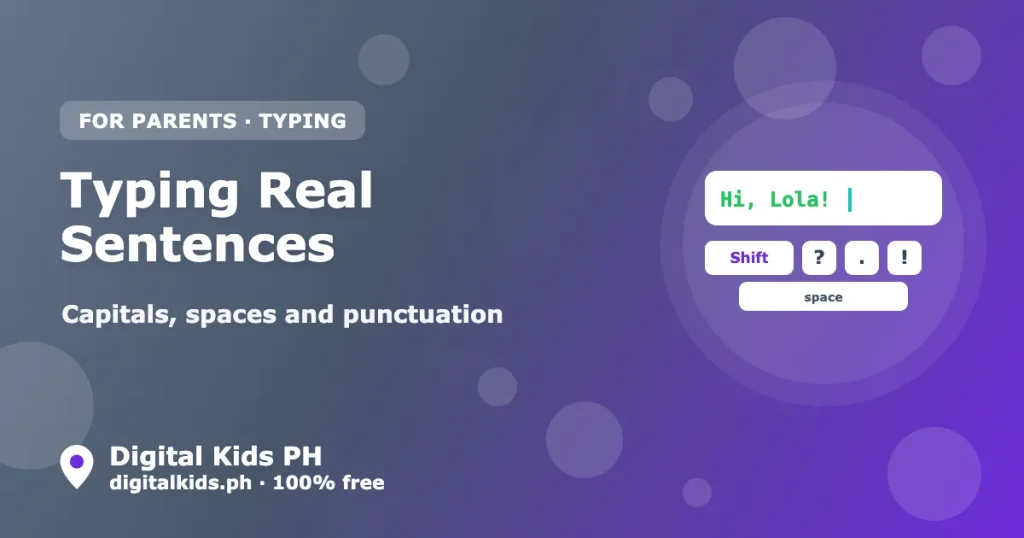
- Shift: hold it down, then press a letter to make a capital — for the first word and for names.
- Space bar: one tap between every word, pressed with a thumb.
- Punctuation: a period (.) to finish, a question mark (?) to ask, an exclamation point (!) for excitement, and commas (,) for lists.
- Backspace: the “oops” key that deletes the last character so mistakes can be fixed.
- Accuracy first: typing it right matters more than typing it fast. Speed comes later, on its own.
Why sentence typing is a great skill for kids
More and more schoolwork happens on a screen: reports, online quizzes, emails to teachers, and slides. Kids who can type clean, correct sentences finish faster and look more confident in their work. It also reinforces grammar — every time they press Shift for a name or add a question mark, they’re practicing the writing rules they learn in class.
It builds good habits, too. A child who checks each sentence before moving on learns to proofread, a skill that helps in every subject and later in any job that involves writing.
How to nurture a confident typist
1. Teach Shift as a “two-hand team”
Show your child to hold Shift with one hand and press the letter with the other. A capital on the right side of the keyboard uses the left Shift, and the other way around. It feels awkward at first, then becomes automatic.
2. Type real messages together
Let your child type a short note to Lola, a shopping list, or a sentence about their day. Real messages give them a reason to get the capitals and punctuation right — someone is going to read it.
3. Read it back before sending
Make it a habit: after typing, read the sentence out loud. Does it start with a capital? Is there a space between every word? Does it end with the right mark? This simple check is the beginning of proofreading.
4. Praise accuracy, not speed
It’s tempting to cheer for fast typing, but careful typing builds the right muscle memory. Celebrate a sentence with zero mistakes. Speed will follow naturally with practice.
Practice typing — for free
Short, playful practice works best. On Digital Kids PH, free typing games take kids from single keys all the way to full sentences:
- Story Typer — new! Type a fun story one sentence at a time and practice capitals, spaces, and punctuation.
- Home Row Hero — learn where every key lives and build touch-typing muscle memory.
- Word Sprint — type as many words as you can in 30 seconds and beat your score.
Want more? Explore the whole Typing Town world. No login, no cost, no ads — just smart, playful learning.
Your role as a parent
You don’t need to be a fast typist yourself. Your job is to give your child real reasons to type, remind them to check their work, and celebrate careful sentences. A few minutes of practice a day adds up quickly.
The bottom line
Typing real sentences means using Shift for capitals, the space bar between words, the right punctuation at the end, and Backspace to fix mistakes. It’s the step that turns key-pressing into real writing, and it helps with schoolwork, grammar, and confidence. Help your child go from typing letters to typing sentences they’re proud of.
Start today, for free. Explore all 25 free learning worlds at Digital Kids PH — no login, no cost, ever.
A free service of MalachiSoft Inc — empowering the next generation of Filipino digital talent.
🏷️ computer skills, digital skills, Filipino parents, schoolwork, typing for kids
Ready to play and learn?
40+ free games that teach kids real digital skills — no login needed.
Explore the Worlds 🎮